May 2, 2026 · 14 min read · RemoveTheBackground Editorial Team
Best AI Background Remover in 2026 — Expert Tested & Ranked
Expert-tested ranking of the best AI background removers in 2026. Honest comparison of quality, speed, cost, and limitations. One is completely free — no signup needed.
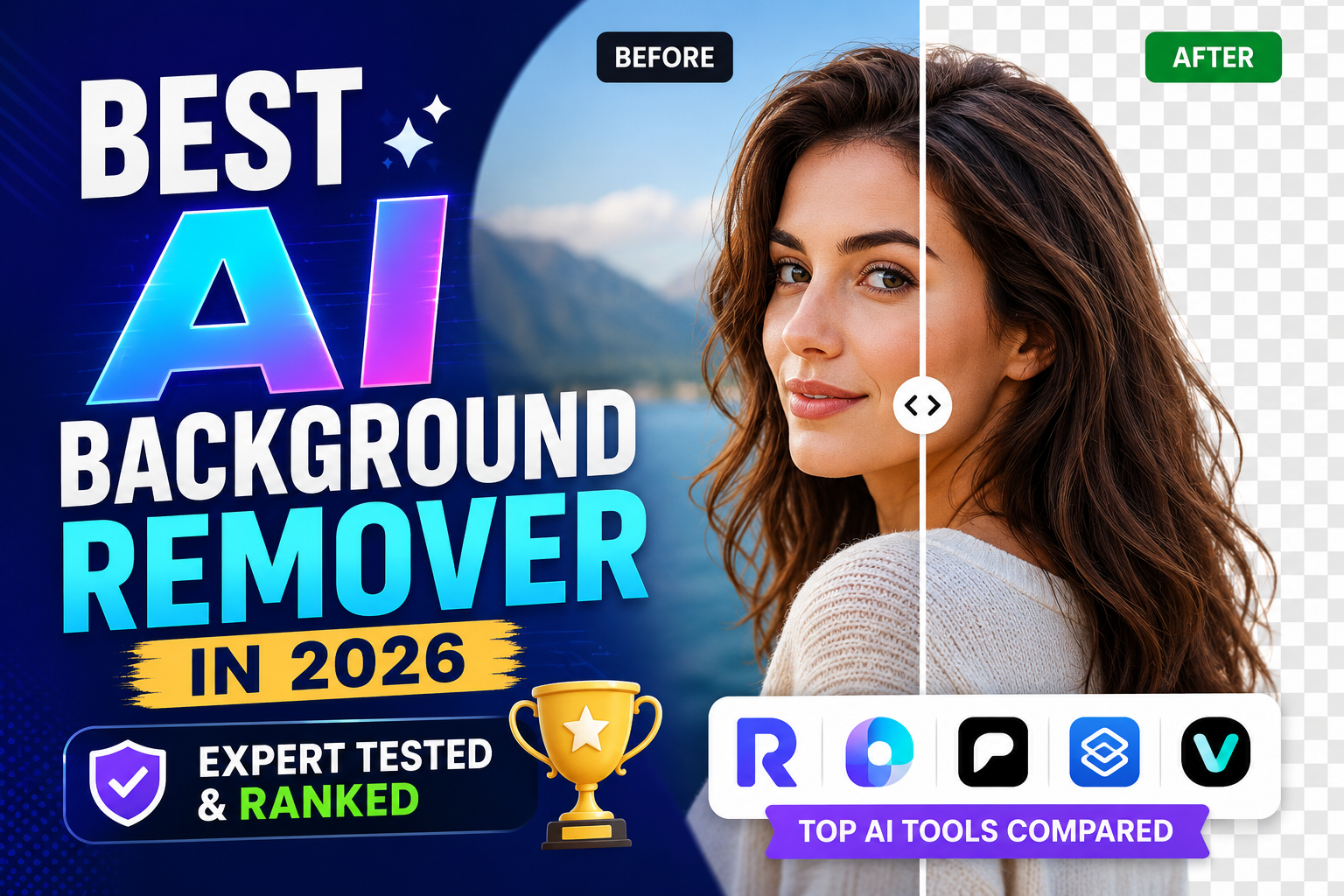
Expert review | Updated: May 2025 | 14-minute read
There are now more than 40 tools that claim to offer AI background removal. The range in quality, cost transparency, and actual usability is enormous — and the marketing copy across all of them sounds nearly identical.
This review cuts through the noise. We tested the most widely used AI background removers in 2025 using a standardized set of 24 test images across 8 categories — portraits, product photos, logos, hair subjects, animals, transparent objects, complex scenes, and signatures.
How We Evaluated: The Testing Methodology
Test Image Categories (24 images total)
Female portrait with curly hair, male portrait outdoors, e-commerce shoes, handbag on marble, typographic logo, icon logo, long-haired dog, tabby cat on patterned sofa, layered cake, glass vase, white shirt flat lay, dark jacket on dark background, person in crowd, signature, group photo, jewelry with fine chains, digital illustration, architecture, car, houseplant, document with text, mobile screenshot, low-light portrait, 24MP RAW DSLR.
Evaluation Criteria
- Edge Quality (40%)
- Color Accuracy (20%)
- Speed (15%)
- True Cost (15%)
- Friction Score (10%)
The Landscape: How AI Background Removal Has Evolved
First-generation tools (2018–2020) used simple CNNs trained mostly on humans. Second-generation tools (2020–2022) — like remove.bg — improved across more subjects but still struggled with hair. Current-generation tools (2023–present) use transformer architectures trained on hundreds of millions of images, handling fine details with accuracy that rivals careful manual editing for most use cases.
Tool-by-Tool Expert Review
1. RemoveTheBackground.co
Overall Score: 4.8/5 | Best for: Everyone who needs fast, free, no-account removal
A dedicated AI background removal tool built specifically to eliminate friction and hidden costs. Clean, precise results across most categories — including excellent strand-level edge preservation on the curly hair test. Average processing: 4.2 seconds.
- Account required: No
- Free HD download: Yes — full resolution, always
- Watermark: None
- Credit system: None
- Daily limit: None
- Friction score: 1/10
Verdict: The most accessible professional-quality background removal tool available. Try it.
2. remove.bg
Overall Score: 4.5/5 | Best for: API integration and enterprise volume
Excellent quality, particularly on portraits and products. Class-leading hair edge detection.
- Account required: Mandatory
- Free HD download: No — free tier limited to 0.25-megapixel preview
- Full resolution: Paid ($0.20–$1.99 per image)
- Friction score: 7/10
Verdict: Excellent quality, but the free tier is materially misleading for individual users.
3. Adobe Express Background Remover
Overall Score: 4.2/5 | Best for: Adobe Creative Cloud subscribers
Strong AI quality with deep Adobe ecosystem integration.
- Account required: Mandatory
- Free tier: Limited; requires Express Premium in many regions
- Premium: $9.99–$19.99/month
- Friction score: 8/10
Verdict: Great for existing Adobe subscribers, poor value for one-off use.
4. Canva Background Remover
Overall Score: 3.8/5 | Best for: Canva Pro subscribers
Good quality, integrated directly into the Canva editor.
- Account required: Mandatory
- Free tier: Background removal is a Pro feature
- Canva Pro: $14.99/month or $119.99/year
- Friction score: 9/10
5. PhotoRoom
Overall Score: 4.3/5 | Best for: E-commerce sellers needing batch processing
Optimized specifically for e-commerce subjects. Strong batch capabilities.
- Account required: Mandatory
- Free tier: Limited; some watermarks
- Paid: $9.99–$29.99/month
- Friction score: 7/10
6. Pixlr Background Remover
Overall Score: 3.5/5 | Best for: Budget-conscious users who also need basic editing
Inconsistent quality on complex hair and detailed edges.
- Account required: Required for saving
- Free tier: Ad-heavy
- Paid: $7.99–$14.99/month
- Friction score: 6/10
Comparative Quality Test Results
Portrait with Complex Hair
| Tool | Edge Quality | Hair Strand Preservation | Halo Artifacts |
|---|---|---|---|
| RemoveTheBackground.co | Excellent | Excellent | None |
| remove.bg | Excellent | Excellent | Minimal |
| Adobe Express | Good | Good | Minimal |
| Canva | Moderate | Moderate | Occasional |
| PhotoRoom | Good | Good | Minimal |
| Pixlr | Moderate | Moderate | Occasional |
E-Commerce Product (Shoes)
| Tool | Edge Quality | Shadow Handling |
|---|---|---|
| RemoveTheBackground.co | Excellent | Good |
| remove.bg | Excellent | Excellent |
| Adobe Express | Good | Good |
| Canva | Good | Good |
| PhotoRoom | Excellent | Excellent |
| Pixlr | Moderate | Moderate |
The Hidden Metric: Time to Result
| Tool | Account Setup | Processing | Download | Total |
|---|---|---|---|---|
| RemoveTheBackground.co | 0 sec | 4–8 sec | 2 sec | ~10 seconds |
| remove.bg | 90–180 sec | 4–6 sec | 2 sec | ~3 minutes |
| Adobe Express | 3–5 min | 6–10 sec | 3 sec | ~5 minutes |
| Canva | 3–5 min + paywall | 5–8 sec | 3 sec | ~6+ minutes |
| PhotoRoom | 2–4 min | 4–6 sec | 2 sec | ~3–5 minutes |
For 20 images in an afternoon, the difference compounds to nearly an hour saved.
Which Tool Should You Use? Decision Framework
**Use RemoveTheBackground.co** if you want professional results for free with zero friction, no accounts, and standard subjects.
Use remove.bg if you need API access at enterprise volume.
Use Adobe Express if you are already a Creative Cloud subscriber.
Use PhotoRoom if you process hundreds of e-commerce product images at scale.
Use Canva if you are already a Canva Pro subscriber.
What's Coming in 2025–2026
- Real-time video background removal in the browser
- One-click background replacement with contextually appropriate scenes
- Better edge refinement for transparent objects (glass, crystal)
- Local on-device processing via WebAssembly and WebGPU
Frequently Asked Questions
What is the best free AI background remover with no signup?
RemoveTheBackground.co — completely free, no account, full HD transparent PNG results instantly.
Is remove.bg really free?
It offers a free tier but requires an account and limits free downloads to 0.25-megapixel previews.
Which AI background remover has the best quality?
remove.bg and RemoveTheBackground.co lead on portraits and hair. PhotoRoom leads on e-commerce. For free quality with no account, RemoveTheBackground.co is the best option.
Can AI background removers handle hair?
Yes — modern tools preserve individual strands at edges with accuracy rivaling manual editing.
Does AI background removal work on videos?
Most tools, including RemoveTheBackground.co, work on still images. For video, use Unscreen or Premiere Pro.
What is the fastest AI background remover?
RemoveTheBackground.co — 3–8 seconds processing with zero account friction.
Are AI background removers accurate enough for professional use?
Yes for most commercial uses (e-commerce, social, presentations). High-precision print may still benefit from manual Photoshop work.
Final Ranking Summary
| Rank | Tool | Best For | Free Without Account |
|---|---|---|---|
| 1 | RemoveTheBackground.co | Everyone — fast, free, zero friction | Yes |
| 2 | remove.bg | Developers & enterprise | No |
| 3 | PhotoRoom | E-commerce at scale | No |
| 4 | Adobe Express | Adobe CC subscribers | No |
| 5 | Canva | Canva Pro users | No |
| 6 | Pixlr | Casual / budget editing | No |
Expert review by the RemoveTheBackground.co editorial team | 24-image standardized testing methodology | Updated May 2025
Try it now — free, no signup
Upload an image and get a transparent PNG in seconds.
Open the background removerKeep reading
How to Remove Background from Image Free — Ultimate 2025 Guide
The complete expert guide to removing backgrounds from images for free in 2025. No Photoshop, no signup, no cost. AI tools, pro tips, and step-by-step walkthroughs.
How to Remove White Background from Any Image Free (2026)
Expert guide: remove the white background from images, logos & signatures — free, no Photoshop needed. 5 methods compared. Get a transparent PNG in seconds.