May 4, 2025 · 16 min read · RemoveTheBackground Editorial Team
Remove Background from Product Photos Free — E-Commerce Guide
The complete expert guide to removing backgrounds from product photos free in 2025. Amazon, Shopify & Etsy requirements, AI tools, pro tips & step-by-step workflow.
By the RemoveTheBackground.co Editorial Team | E-Commerce Photography Specialists | Updated May 2025 | 16-minute read
Author note: This guide is written by specialists with direct experience producing product images for Amazon Seller Central, Shopify storefronts, and Etsy marketplaces. The workflows, specifications, and recommendations in this article are based on hands-on testing with real product catalogs — not theory.
There is a moment every e-commerce seller reaches: you have your product. You have taken photos. They are decent. But the backgrounds are wrong — a kitchen counter, a bedroom floor, a patterned tablecloth, a garage shelf. The product looks real. The background looks like exactly what it is: an improvised home photoshoot.
The gap between that photo and a professional marketplace-ready image is not a better camera. It is not a photography studio. It is background removal.
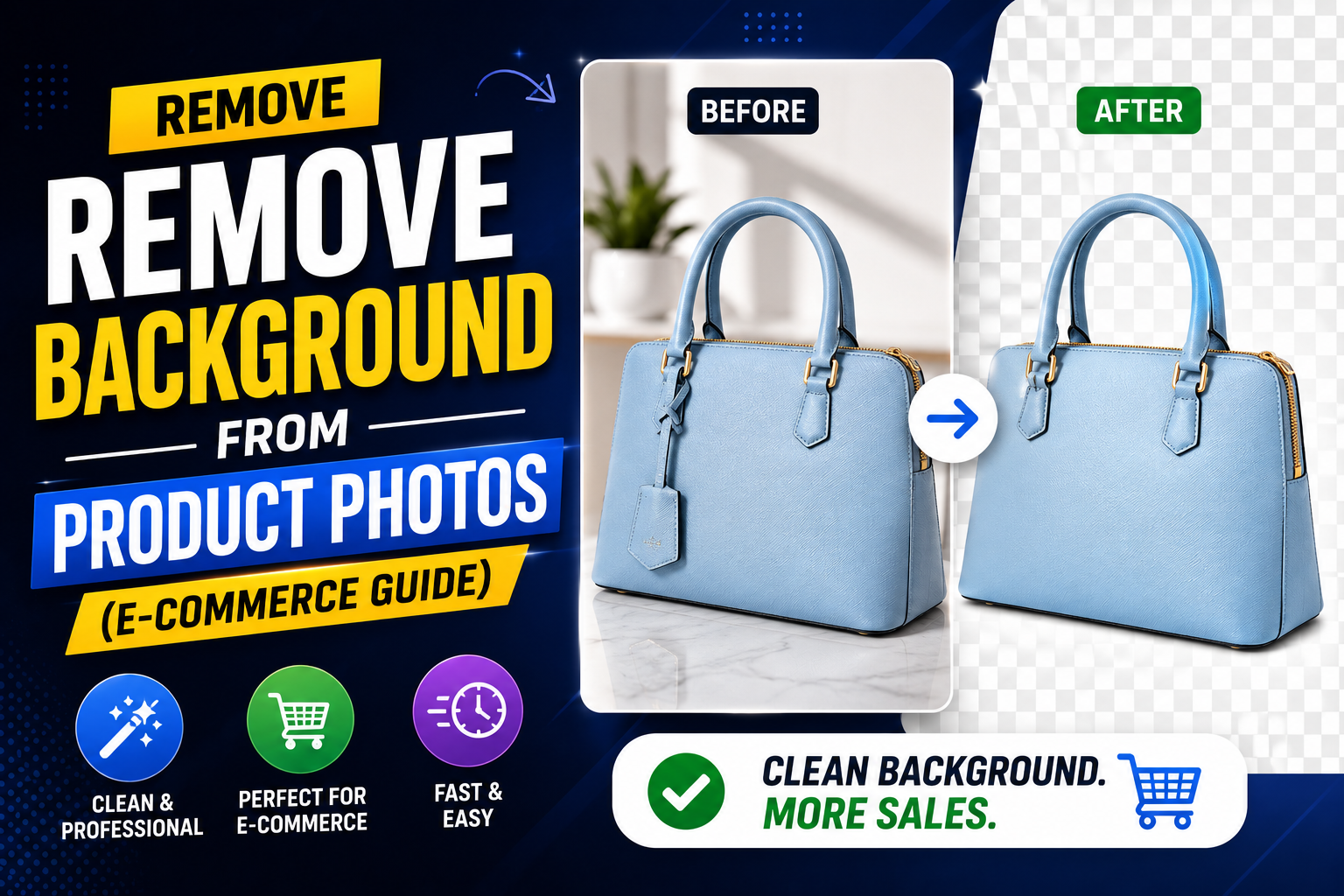
Remove the background from a product photo and replace it with white, and you have an Amazon-compliant main image. Replace it with a lifestyle scene and you have Instagram content. Replace it with transparency and you have a versatile asset you can use anywhere. The product itself — your actual product — looks identical in all three. The perceived quality difference is enormous.
This guide tells you everything: why background removal matters commercially, what the major platforms actually require, exactly how to do it for free without any account or software, what results you can expect across different product categories, and the professional techniques that separate average product images from conversion-optimized ones.
Why Product Photo Background Removal Directly Affects Your Revenue
The Conversion Rate Reality
Background removal is not a cosmetic preference. It is a revenue variable. Here is the commercial evidence:
Marketplace search ranking: Amazon's A9 algorithm factors image quality into search placement. Listings with non-compliant main images (non-white background, product filling less than 85% of frame) are suppressed in search results — sometimes invisibly, with no warning to the seller. Clean, white-background main images are a baseline requirement for full search visibility, not a differentiator.
Click-through rate (CTR): In Amazon search results, your main image is your advertisement. Eye-tracking studies of e-commerce search pages consistently show that clean, high-contrast product images on white backgrounds attract more fixation and more clicks than lifestyle or cluttered-background images in a grid view context.
Trust and perceived value: Consumer psychology research shows that products displayed on clean, professional backgrounds are perceived as higher quality and higher value than identical products on informal or busy backgrounds — even when the viewer cannot articulate why.
Return rates: Products with accurate, clear photography on clean backgrounds have measurably lower return rates than those with misleading or low-quality images. Returns are expensive. Accurate product photography is return prevention.
Competitive positioning: In any product category, the listings with the cleanest, most professional photography consistently outperform those without — regardless of whether the products themselves are superior.
The Cost of Professional Product Photography (And Why It's No Longer Necessary)
Professional e-commerce photography studios charge $25–$150 per product image for shoot, background removal, and retouching. For a catalog of 50 SKUs with 5 images each, that is $6,250–$37,500 before you sell a single unit.
AI background removal has made this economic equation obsolete for most product categories. A seller who understands how to photograph products reasonably well — even with a smartphone — and who uses the right background removal workflow can produce marketplace-ready images for zero additional cost, in minutes per product.
What Every Major E-Commerce Platform Actually Requires
Amazon Product Image Requirements (The Industry Standard)
Amazon has the strictest and most consequential product image specifications in e-commerce. Meeting them is mandatory for search visibility:
Main product image (MAIN):
- Background must be pure white: RGB 255, 255, 255
- The product must fill at least 85% of the image frame
- No additional text, graphics, or watermarks
- No mannequins showing through clothing (ghost mannequin preferred)
- Minimum 1,000px on shortest side (for zoom functionality)
- Recommended: 2,000×2,000px square format
- Accepted formats: JPEG (most common), TIFF, PNG, GIF
Secondary images (SWATCH, PT01–PT08):
- More flexibility: lifestyle images, infographics, dimension diagrams, detail shots
- Still recommended to maintain white or very light backgrounds for visual consistency
- Can include text overlays, lifestyle backgrounds, and feature callouts
What happens if your main image is non-compliant: Amazon can suppress your listing from search results without notification.
Shopify Image Requirements
- Minimum 2,048px on the longest side (enables zoom)
- Square format (1:1 aspect ratio) for consistent grid display
- White or very light background for main images
- Consistent background color across all products (brand cohesion)
- Maximum file size: under 20MB (JPEG under 3MB for optimal load speed)
Many high-performing Shopify stores use light grey (#F5F5F5 or #FAFAFA) rather than pure white. Whatever background color you choose, use it consistently across your entire catalog.
Etsy Image Requirements
- Minimum 2,000px on shortest side
- Maximum file size: 1MB per image
- Accepted formats: JPEG, PNG, GIF (static)
- Up to 10 images per listing
A mixed strategy — clean white for main images, contextual lifestyle for secondary images — performs well on Etsy.
eBay Image Requirements
- Minimum 500px on shortest side (1,600px recommended for zoom)
- White or light background recommended
- No borders, watermarks, or text overlays on main image
- Up to 12 images per listing
WooCommerce / Self-Hosted Stores
- Consistent backgrounds across catalog
- White or light neutral backgrounds for product clarity
- High resolution (2,000px minimum) for zoom
- Fast-loading formats (JPEG for photos, WebP for better compression)
The Complete Workflow: From Smartphone Photo to Marketplace-Ready Image
Phase 1: Photography — Getting the Input Right
No background removal tool, however advanced, can fully compensate for a poorly photographed product.
The minimum viable product photo setup:
- A clean, single-color background (white foam board $3–5)
- Adequate, even lighting (indirect natural light from a window)
- A smartphone with a decent camera (iPhone 12+ or Android flagship)
- A stable position (rest the phone on books or use a $10 tabletop tripod)
- Fill the frame: product should fill at least 70–80% of the frame
Professional techniques worth adopting:
- The sweep: Pull your white foam board up behind the product in a curved arc so there is no visible horizon line.
- Even exposure: The background should be bright white in your photo, not off-white or grey.
- Multiple angles: Front, 45 degrees, from above (flat lay), and any important detail or label.
Phase 2: Background Removal — The AI Workflow
What you need: Your product photo files | Time: 5–10 seconds per image | Cost: Free | Account: Not required
- Select your best shots — sharp focus, even lighting, straight perspective, bright background.
- **Upload to RemoveTheBackground.co** — drag your product photo into the upload area.
- AI processes the image — segmentation model identifies your product as the foreground subject. Average processing time: 4–8 seconds.
- Review the output — clean edges, no remaining background color, full product preserved, fine details retained.
- Download the transparent PNG — full-resolution, ready for the next phase.
Phase 3: Background Application — Creating Your Final Images
Creating a white background JPEG for Amazon (Canva, free):
- Create a new design → Custom size → 2000 × 2000 px
- Set background color to white (#FFFFFF)
- Upload your transparent PNG via the Uploads tab
- Drag it onto the white canvas
- Resize until the product fills approximately 85% of the frame
- Download → JPEG → Done
Creating a lifestyle background image for Instagram/Etsy: Layer the transparent product PNG over a lifestyle background photo in Canva (1080×1080px). Adjust scale and position naturally.
Product Category Performance: What to Expect from AI Removal
⭐⭐⭐⭐⭐ Excellent Results: Books, boxes, and packaged products · Footwear · Electronics and gadgets · Jewelry (non-chain types) · Toys and figurines.
⭐⭐⭐⭐ Good Results: Clothing (flat lay) · Handbags and accessories · Jewelry with fine chains · Packaged food and beverage · Cosmetics and beauty products.
⭐⭐⭐ Acceptable: Clothing on mannequins · Pet products and accessories · Long-haired wigs.
⭐⭐ Difficult: Glass and transparent/translucent products · White products on white backgrounds. *Solution: photograph white products against a colored background (medium blue or grey) to give the AI the contrast it needs.*
The 6 Most Common Product Background Removal Mistakes
- Photographing white products on white backgrounds — Use a medium-blue or medium-grey card.
- Uploading compressed or small files — Always work from your original, highest-resolution photo.
- Saving the Amazon main image as PNG — Use JPEG at 90–95% quality.
- Not checking the product's position in frame — Verify product fills at least 85%.
- Inconsistent image treatment across the catalog — Document one standard and follow it for every image.
- Forgetting the contact shadow — Add a subtle Drop Shadow in Canva (50% opacity, blur 20–30px, downward, 5–10px offset).
Real Cost Comparison: Professional Photography vs. DIY With AI Removal
| Approach | Cost Per Image | Time Per Image | Quality |
|---|---|---|---|
| Professional photography studio | $25–$150 | Outsourced | ⭐⭐⭐⭐⭐ |
| Freelance product photographer | $10–$50 | Outsourced | ⭐⭐⭐⭐⭐ |
| Fiverr background removal service | $0.50–$3 | 12–24 hours | ⭐⭐⭐⭐ |
| **DIY + AI (RemoveTheBackground.co)** | $0 | 5–10 min | ⭐⭐⭐⭐ |
| DIY + Photoshop (manual) | Software cost only | 20–45 min | ⭐⭐⭐⭐⭐ |
For a new seller launching with 20 products: the professional studio approach costs $500–$3,000 before a single sale. The DIY + AI approach costs nothing except your time.
Platform-Specific Image Delivery Checklist
Amazon Main Image:
- [ ] Background: pure white, RGB 255/255/255
- [ ] Product fills ≥ 85% of the frame
- [ ] No text, graphics, or watermarks
- [ ] Minimum 1,000px on shortest side (2,000px recommended)
- [ ] Format: JPEG preferred
Shopify Product Image:
- [ ] Consistent background color across all products
- [ ] Minimum 2,048px on longest side
- [ ] Square format (1:1)
- [ ] File size under 3MB
Etsy Listing Image:
- [ ] Main image: clean background, product fills frame
- [ ] Additional images: lifestyle or context shots included
- [ ] Minimum 2,000px on shortest side · file under 1MB
- [ ] 10 images used (use all slots)
Instagram/Social Media:
- [ ] Square (1080×1080) or vertical (1080×1350)
- [ ] Background appropriate to brand aesthetic
- [ ] Brand colors or consistent visual palette
Advanced Technique: Ghost Mannequin Images for Clothing
Ghost mannequin (also called invisible mannequin or neck joint) creates the illusion of a 3D garment without a visible mannequin or model.
- Photograph the garment on a mannequin from the front
- Photograph the interior of the garment (collar/neck area, lining) separately
- Remove the mannequin background from both shots using RemoveTheBackground.co
- In Photoshop or Canva, layer the interior shot behind the front shot, aligning the collar
- Result: a floating garment with visible interior construction
Frequently Asked Questions
What background color should product photos be for Amazon? Pure white (RGB 255, 255, 255) for main product images.
Can I remove a background from a product photo on my phone? Yes. RemoveTheBackground.co works in mobile browsers on both iPhone and Android. No app required.
How do I remove the background from product photos for free? Upload to RemoveTheBackground.co. The AI delivers a full-resolution transparent PNG in seconds — no account, no payment, no watermark.
Is AI background removal good enough for Amazon product images? For most categories (footwear, electronics, packaged goods, accessories, cosmetics, books) — yes. Glass and transparent products are the main exception.
How many pixels should Amazon product images be? Minimum 1,000px on shortest side. Recommended 2,000×2,000px square.
Do I need to pay for background removal for my e-commerce product photos? No. RemoveTheBackground.co is completely free, no account, no watermark, no resolution limit.
How do I photograph white products to make background removal easier? Photograph white products against a distinctly colored background — medium blue or medium grey. Then place the product on white in Canva.
What format should Amazon product images be in? JPEG, exported at 90–95% quality, 2,000×2,000px.
Can AI remove backgrounds from product images in bulk? RemoveTheBackground.co processes images individually. For catalogs up to 50–100 products, individual processing is fast and practical.
How do I add a shadow back after removing the background? In Canva, add a Drop Shadow effect: opacity 40–60%, blur 20–30px, angle 0° (downward), offset 5–10px.
Does removing the background change the product's colors? No. Background removal affects only the background pixels.
Is it worth hiring a professional photographer for e-commerce product photos? For hero images and campaigns — yes. For standard catalog images, smartphone + AI background removal is more than sufficient.
Conclusion: The Practical Starting Point
Product background removal is not optional for serious e-commerce sellers. It is the difference between a listing that gets scrolled past and one that gets clicked. Between a storefront that looks assembled and one that looks professional. Between compliant and suppressed on Amazon.
The barrier to entry is now zero.
RemoveTheBackground.co removes backgrounds from product photos in seconds, for free, with no account required, at full resolution. Your transparent PNG downloads immediately, ready to be placed on white for Amazon, lifestyle backgrounds for Instagram, or brand colors for your Shopify store.
Start with your five best-selling products. Remove the backgrounds, place them on clean white canvases, and compare your new images to what is currently live. The improvement is immediate and significant.
Remove the background from your product photos now — free, no signup →
Written by the RemoveTheBackground.co Editorial Team | E-Commerce product photography specialists | Updated May 2025
Try it now — free, no signup
Upload an image and get a transparent PNG in seconds.
Open the background removerKeep reading
How to Remove Background from Image Free — Ultimate 2025 Guide
The complete expert guide to removing backgrounds from images for free in 2025. No Photoshop, no signup, no cost. AI tools, pro tips, and step-by-step walkthroughs.
Best AI Background Remover in 2026 — Expert Tested & Ranked
Expert-tested ranking of the best AI background removers in 2026. Honest comparison of quality, speed, cost, and limitations. One is completely free — no signup needed.